其它组件
必读指南
Empty 完整案例
Empty 组件太简单了
前言
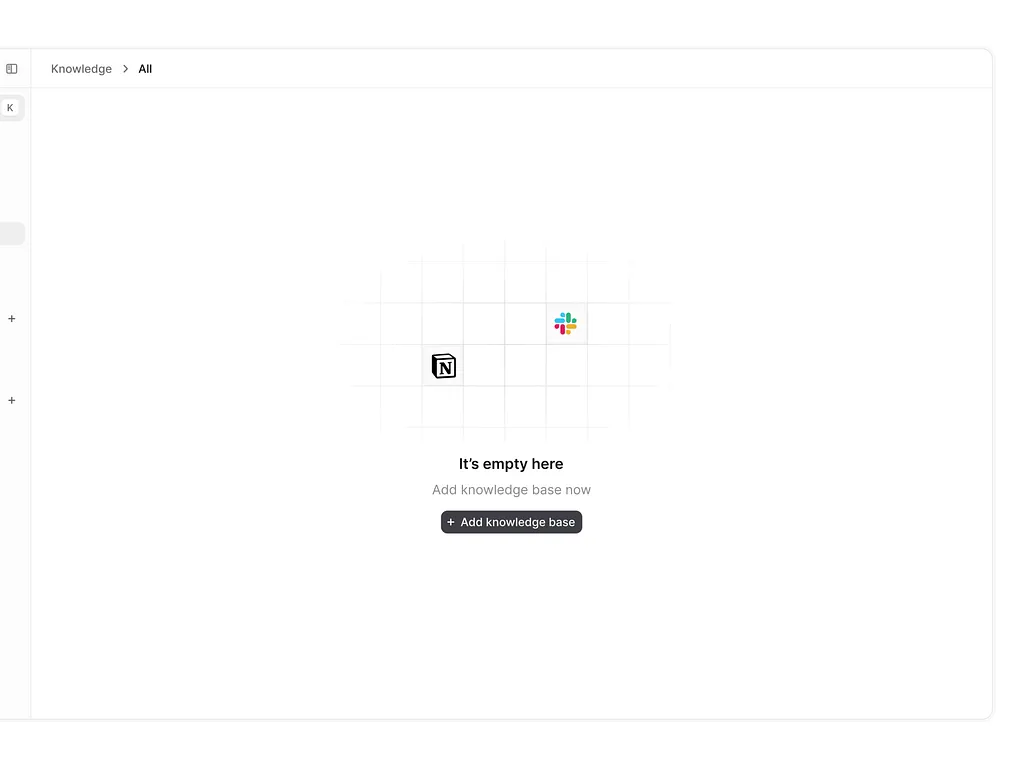
Empty 组件本身没有任何难度,主要就是一个 Icon + 文字说明(或者没有文字)。
我们的代码仅仅只做参考,你可以完全定义自己想要的 Empty 组件。
源码如下:
1'use client';
2
3
4import { type EmptyProps } from './interface';
5import { cs } from '@/_utils';
6
7export function TEmpty(props: EmptyProps) {
8const { description, icon, className, iconClassName, ...rest } = props;
9
10return (
11  <div className={cs('text-sm text-center box-border gap-4', className)} {...rest}>
12    <div className={cs('text-8xl leading-[1]', iconClassName)}>
13      <div className="inline-flex justify-center">{icon}</div>
14    </div>
15    <div className="text-color-500">{description}</div>
16  </div>
17);
18}
最后,欢迎加入到我们的组件库交流群中。有什么疑问都可以在群里讨论,并且会有视频直播每个组件的实现。
更重要的是,我可以帮助你增加一些简历中的核心项目,例如我们这个组件库级别的。无论你是面试初级开发还是到前端技术专家,都会帮助你在面试中脱颖而出。